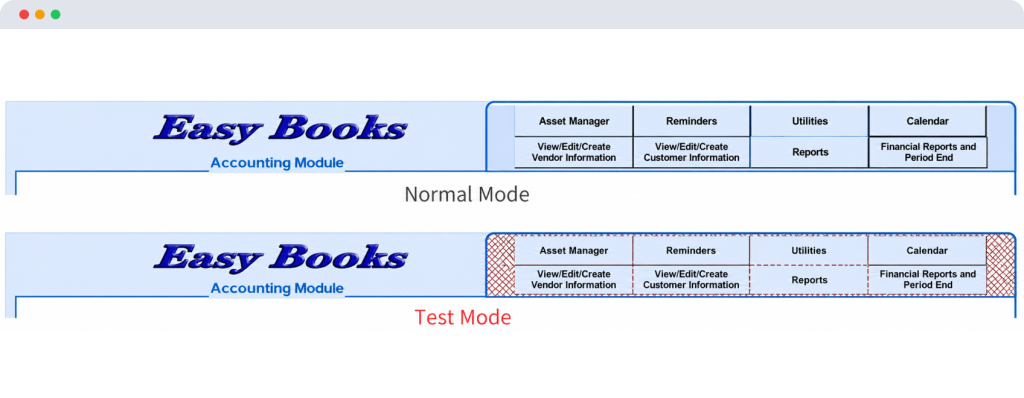
Exclusive Test Mode
Easy Books includes a valuable Test Mode feature that can be incredibly handy for certain situations — especially when training a new user or practicing a task you don’t do often.
Both the Sales and Accounting modules have Test Mode. You enter it by clicking TEST MODE in the top menu bar, and you exit the same way.
You can perform most any normal Easy Books task — post invoices, enter receipts, run reports, depreciate assets, etc. — with zero risk to your live database. Mistakes, experiments, or training sessions stay isolated.
How to Know You’re in Test Mode
The dashboard background (always visible) changes from its normal light blue to red. This makes it impossible to miss.